


魚夫按:這本來是HDR的教學,但學習創意,只有多看,才不會狀況不明決心大,心中無數點子多,和大家分享。
1. Exposure blending tutorial – HDR Image creation
A little background: HDR is a type of image manipulation. The goal is to blend multiple exposures of the same scene into a single image in order to get a result that has more dynamic range than your camera is capable of recording.

2. Learn how to create awesome HDRs
In this post, you’ll learn the steps you need to take to create cool HDR images. Find out how to select a great scene, and how to properly take the images. Next, we’ll go over what Programs and techniques you can use to assemble the HDR. Only got one RAW file, but you still want an HDR? No problem, we’ll go over that too.

3. Adobe Photoshop CS3 Tutorial – HDR
Photoshop’s Merge to HDR (High Dynamic Range) automated feature has been improved for CS3, but it is still not able to merge exposures where subjects have moved between the separate exposures.

4. HDR Photograph Tool
The Merge to HDR command in Photoshop lets you combine several of the same scene with different exposures into a single HDR 32-bpc (bits-per-channel) image. First, you’ll need to have three images taken at different exposures. Run Photoshop and choose File > Automate > Merge to HDR.

5. The Definitive Guide to Realistic HDR
This tutorial will attempt to demonstrate how to make a realistic HDR, one that is virtually indistinguishable from a single exposure. The biggest goal is producing a tutorial that can stand as a standard by which anyone can learn to create a balanced HDR. Ultimately, the processing choices are yours. These are the building blocks.

6. Photoshop CS2 High Dynamic Range
The latest version of Photoshop, CS2, offers an intriguing new function for creating 32-bit High Dynamic Range (HDR) images. It offers the ability to combine multiple individual images with different exposures into a single 32-bit floating-point image with expanded dynamic range.

7. HDR Tutorial Using Photomatix and Photoshop
Thinsite.net has a neat tutorial on High Dynamic Range
(HDR) photography, from capturing HDR shots properly, merging the bracketted shots into a single HDR exposure using Photomatix and the post processing steps in Photoshop.

8. PhotoShop CS3 HDR photograph Tutorial
In this tutorial we will take a look at HDR photography. HDRI (High Dynamic Range Imaging) was originally used in 3D and is now in full force in photography. Basically it’s the process of taking multiple exposures and merging them together into a single 32 bit image. Let me explain: A camera is capable of capturing a limited amount of tones in a single photo.

9. How to create HDR images using Photomatix
HDR images are generated by taking multiple pictures of the same scene at different exposure settings and combining them digitally on a computer. Generally, the more pictures that are taken at different exposure settings the better the resulting HDR image will be.

10. Merging Photos to an HDR Image in Photoshop
This is an article about Photoshop HDR imaging. The following HDR workflow is explained in detail:
* Merging photos to an HDR image
* Processing the HDR image
* Tone Mapping

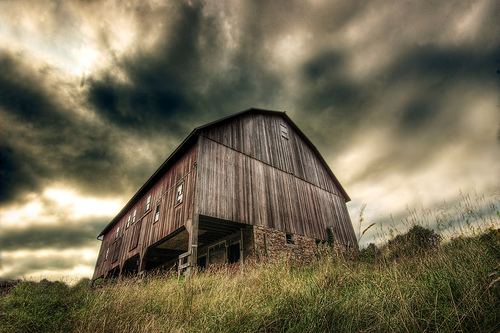
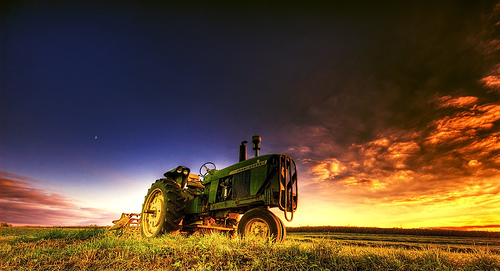
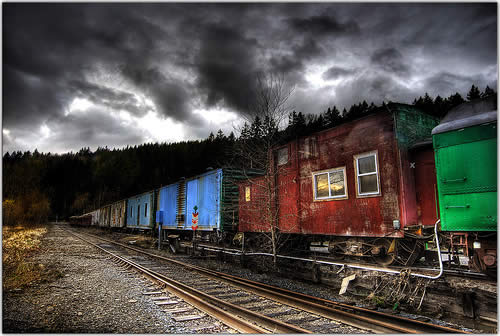
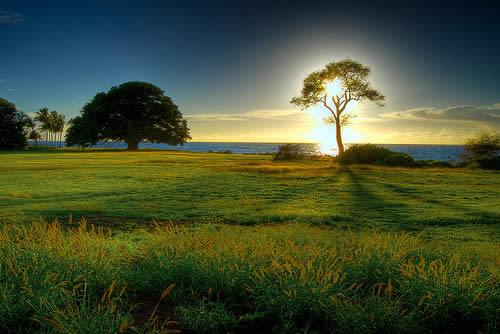
60+ Incredible HDR Photographs
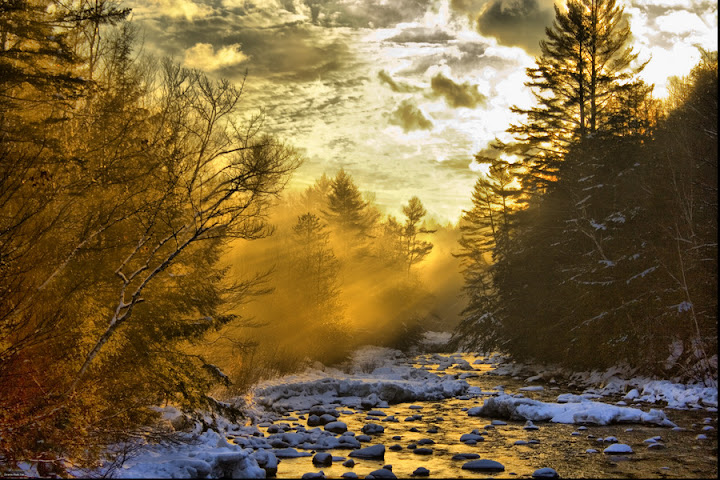
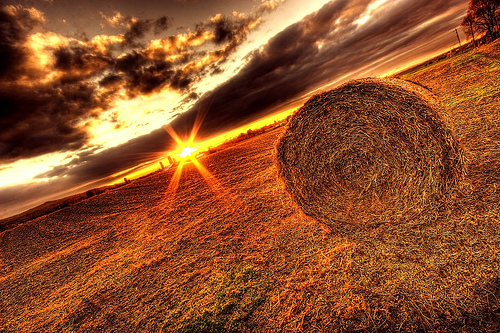
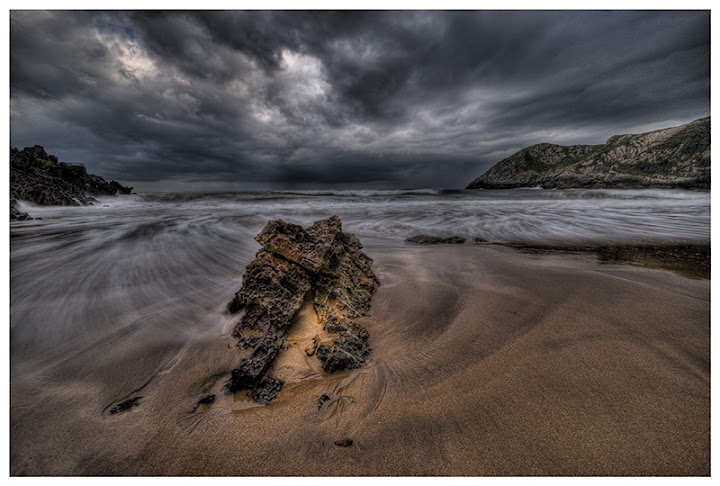
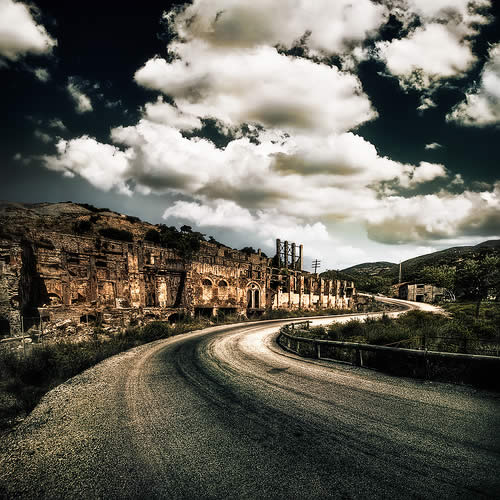
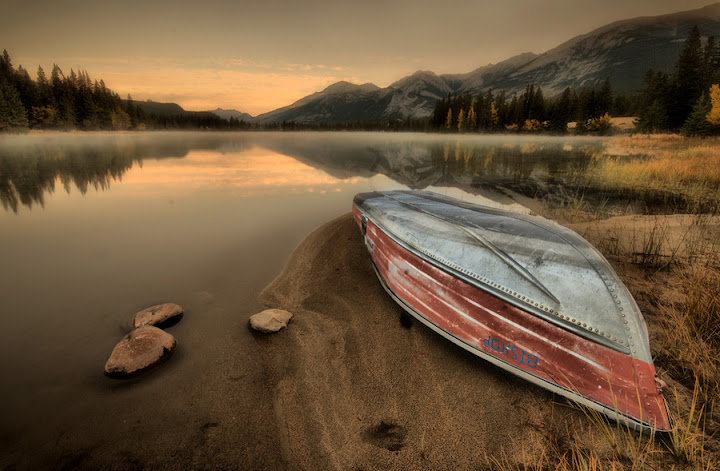
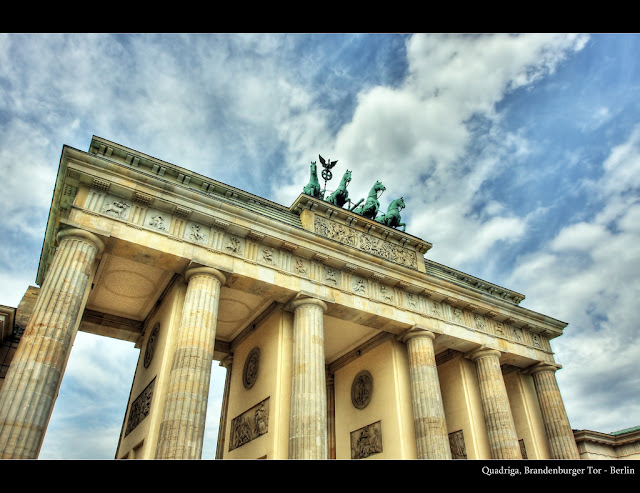
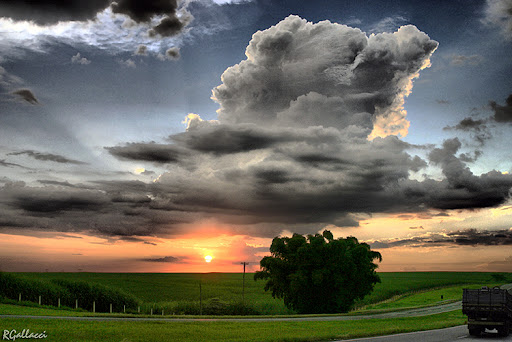
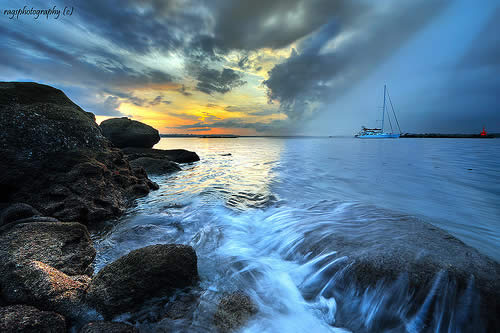
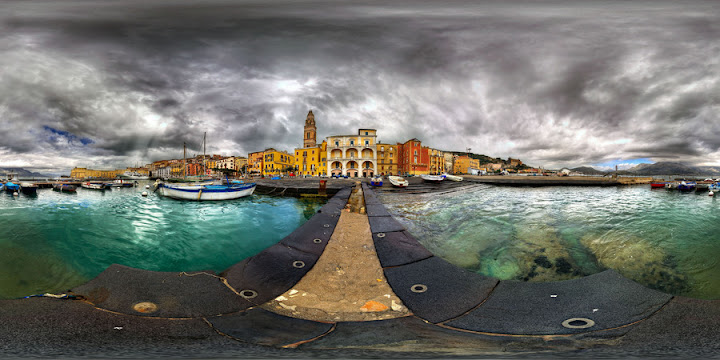
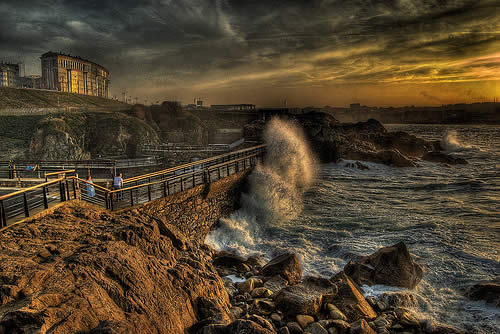
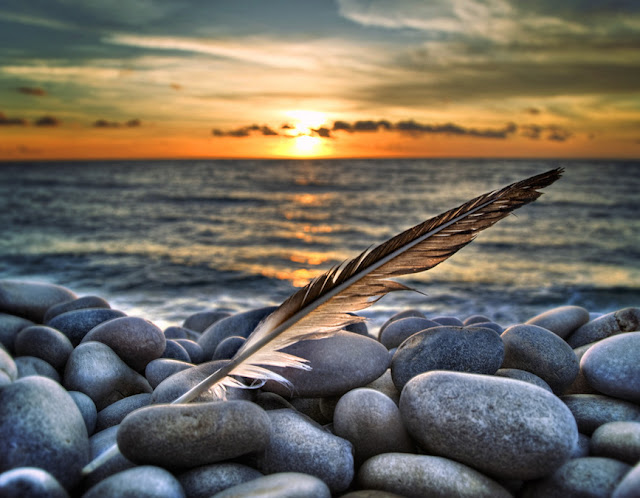
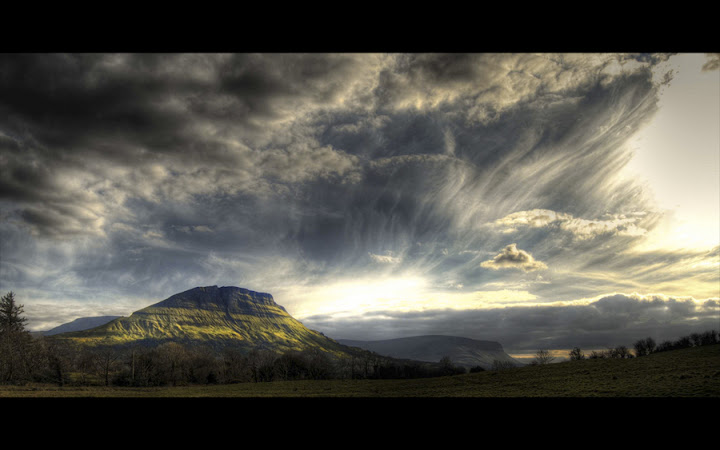
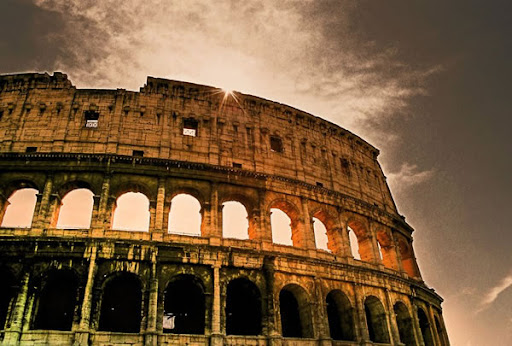
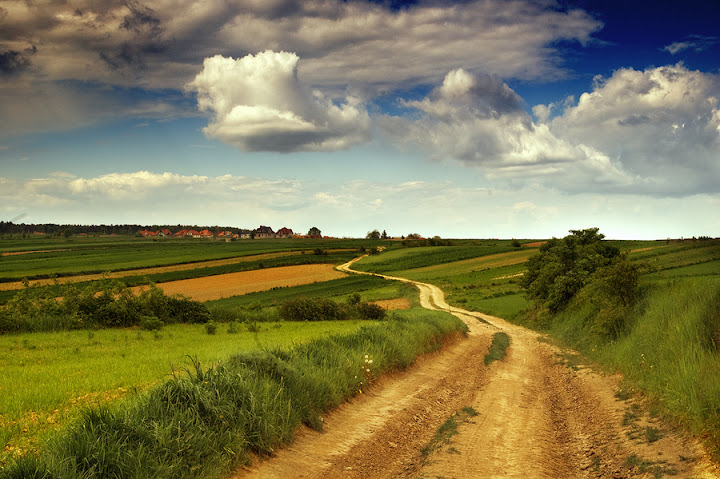
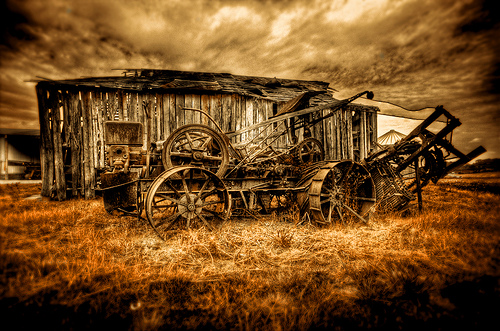
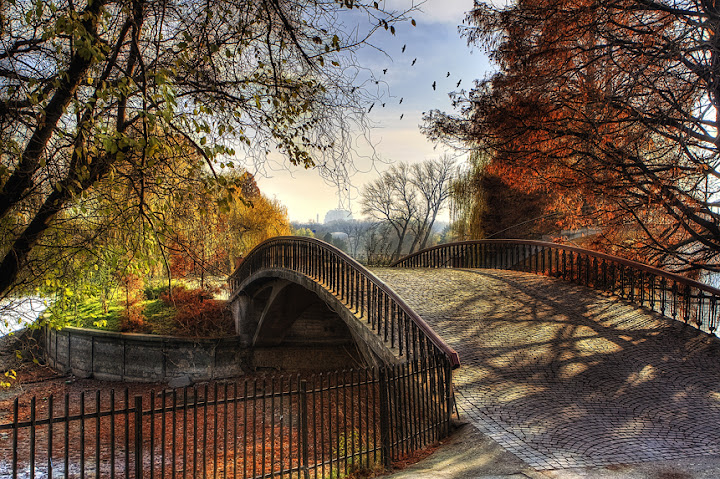
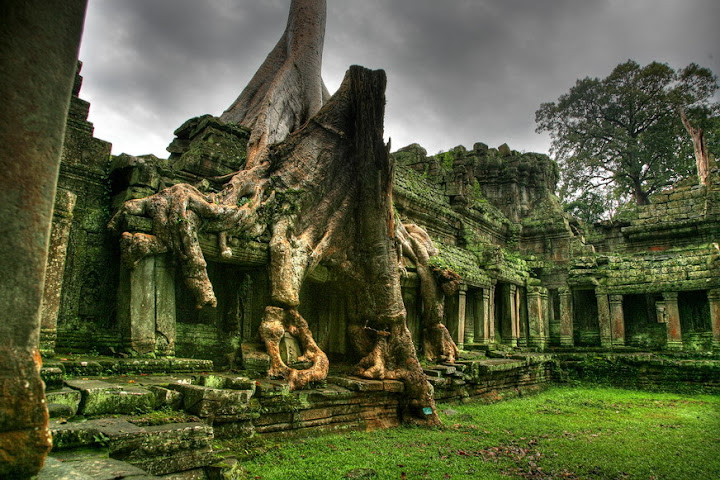
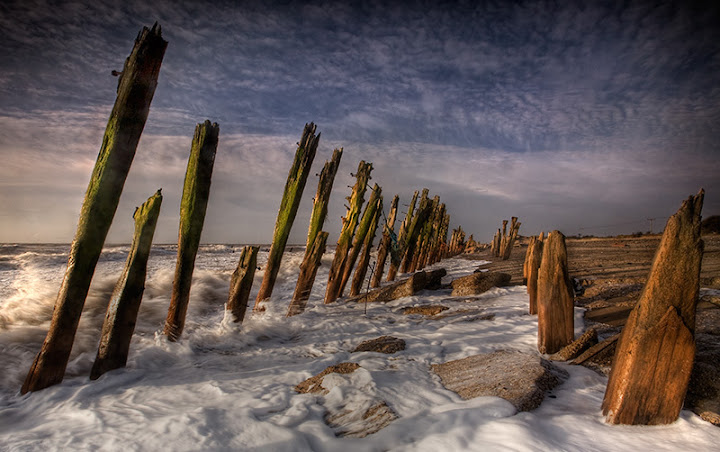
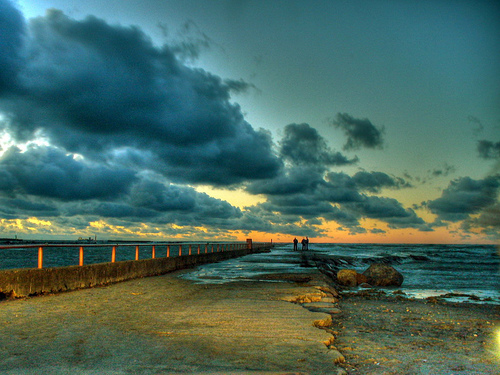
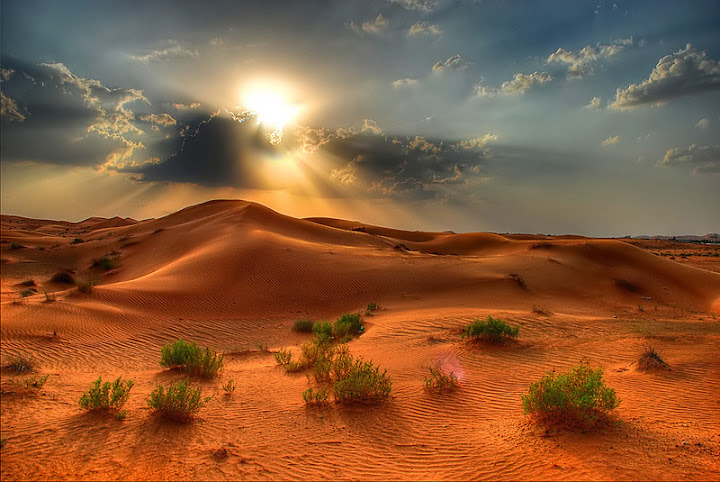
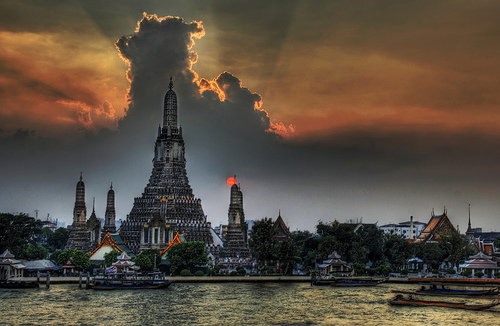
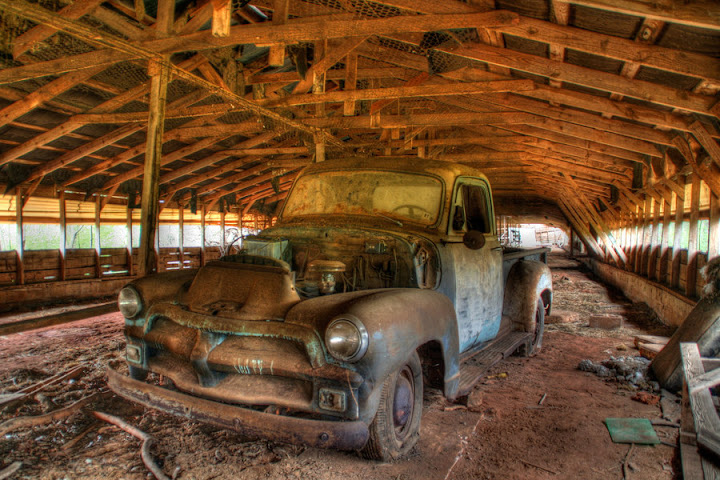
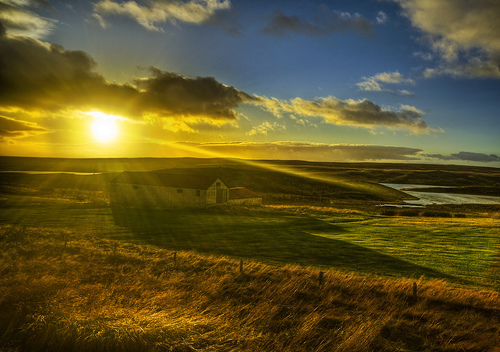
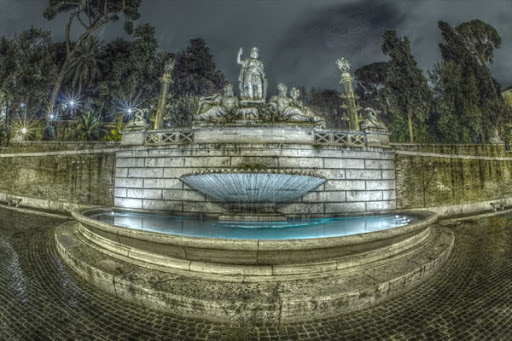
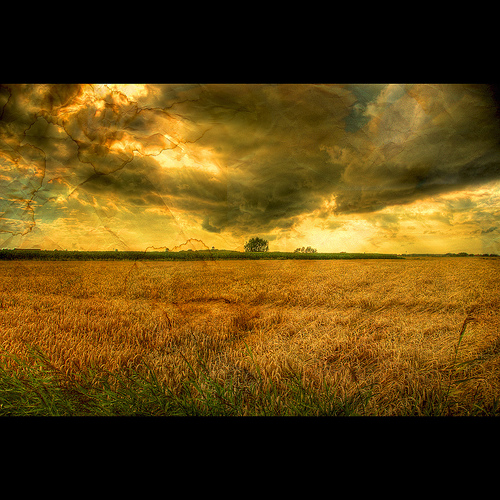
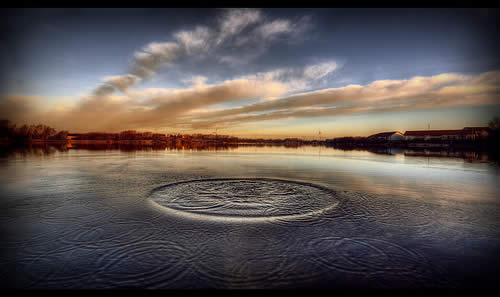
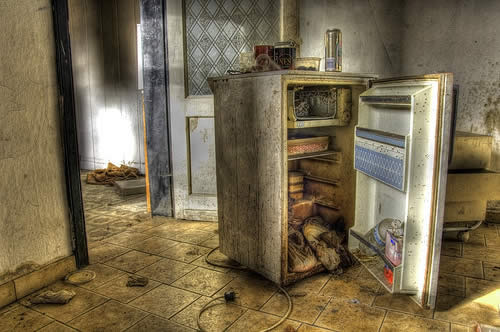
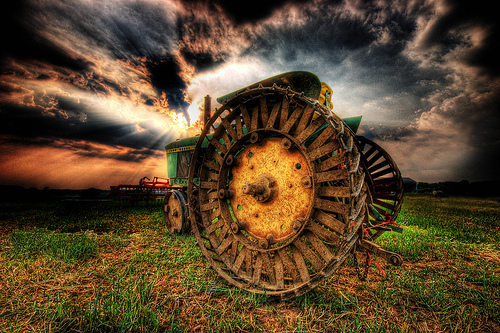
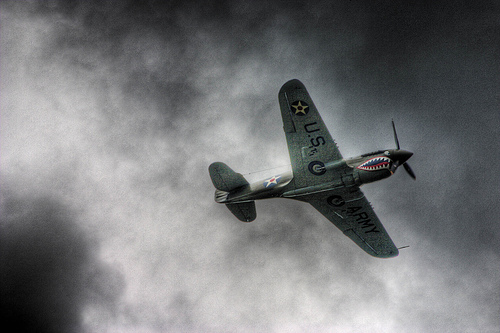
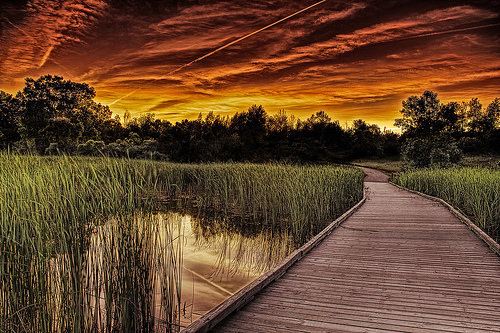
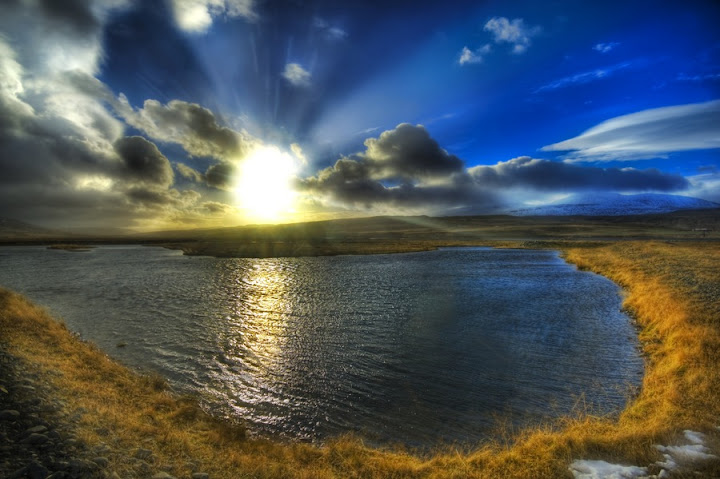
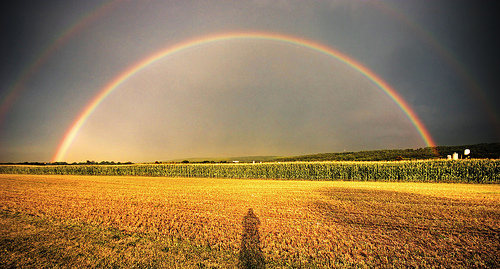
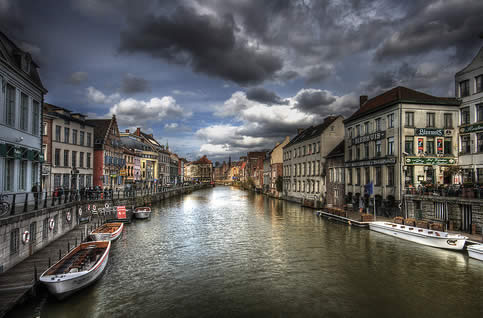
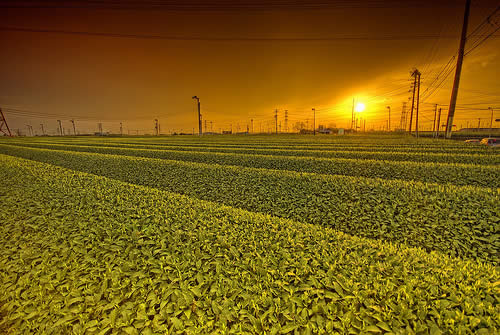
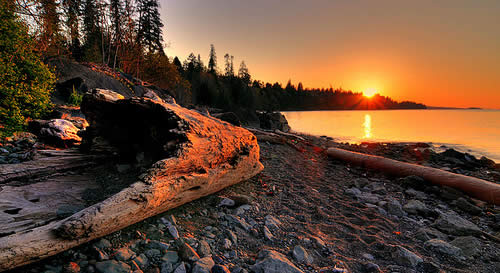
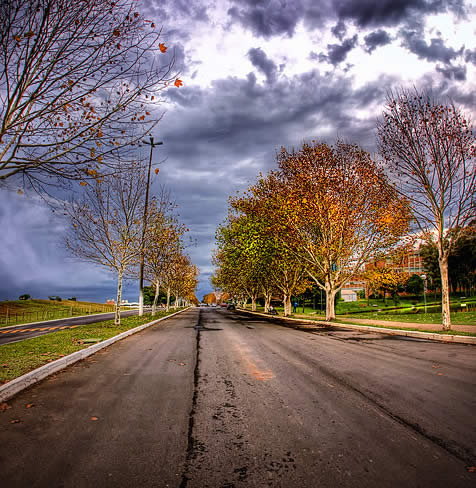
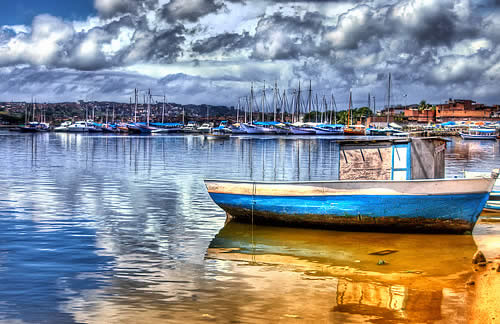
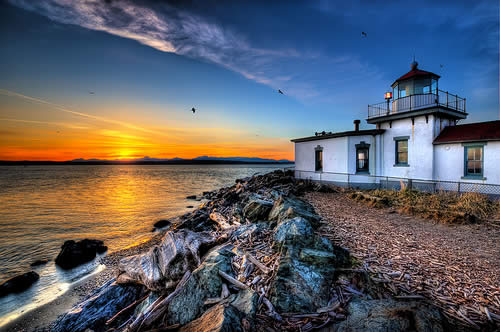
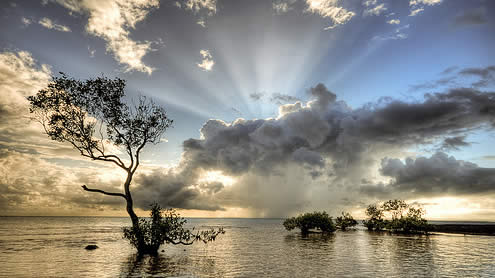
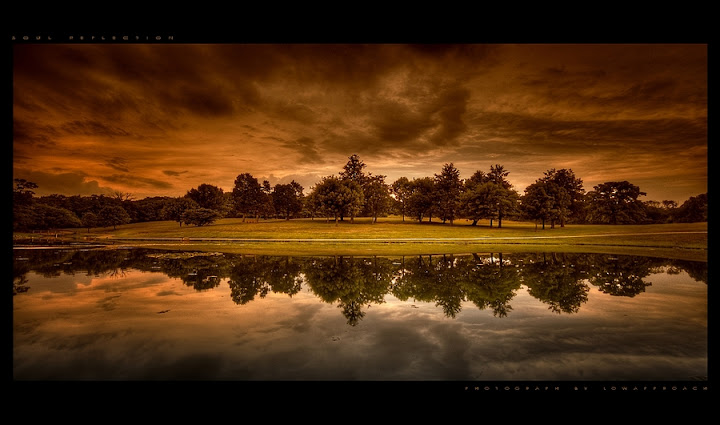
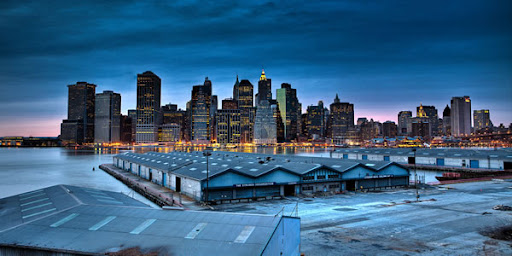
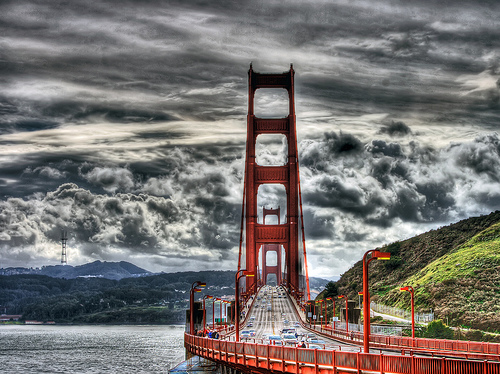
With the rising popularity of digital cameras and easy-to-use desktop software, HDR images are becoming more popular. So I have collected 100+ smashing HDR images which will take your breath away.










Related posts:


No comments:
Post a Comment